Call Disposition BETA – Sales Disputes for CC Department
This guide outlines a clear, step-by-step process for documenting sales disputes at NÜ Car Rentals and DRIVE, helping staff accurately record renter concerns and improve dispute resolution. It highlights the importance of thorough documentation to enhance customer service and operational efficiency.
Step 1
Disposition All Calls and Escalated Issues for Further Review
Every call must be properly dispositioned. The updated Call Disposition tool includes enhanced features that allow the Customer Care team to review call interactions and now includes the ability to tag issues as Sales Disputes.
If a complaint is submitted via email or chat and a video review is needed, make sure to save the interaction with a disposition and check the box labeled “Complaint Related to Sales.” This ensures we can request the corresponding video from the rental location for further review.
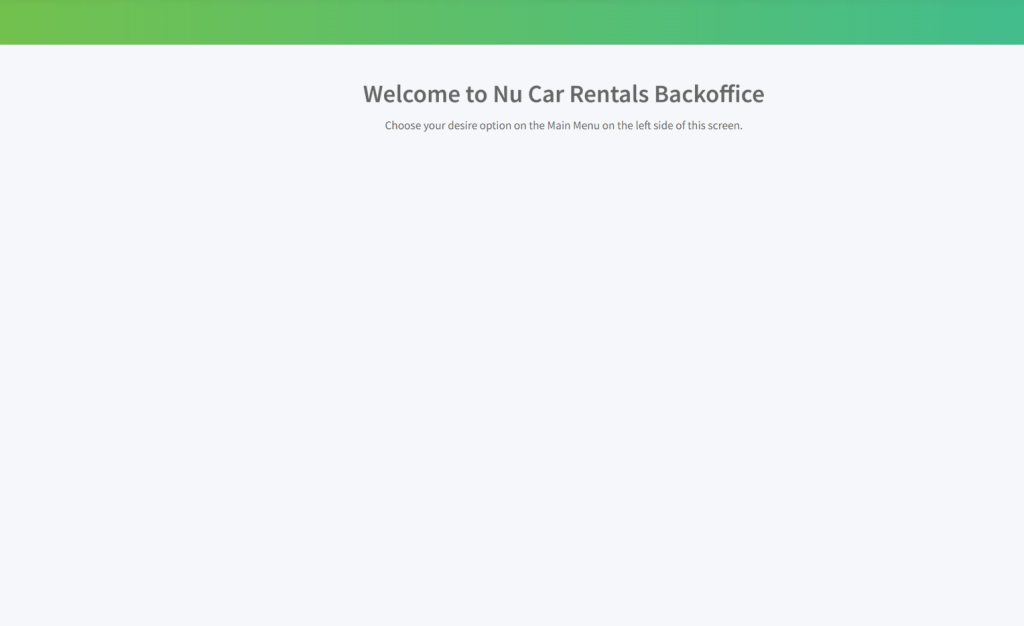
Navigate to https://backoffice.nucarrentals.us/default
Step 2
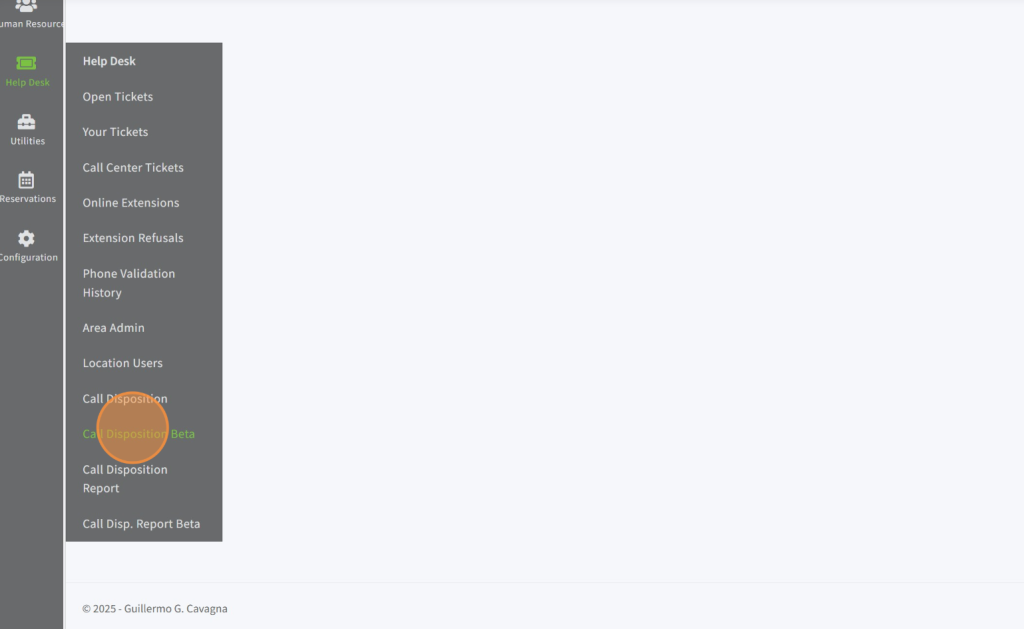
Click “Call Disposition Beta”
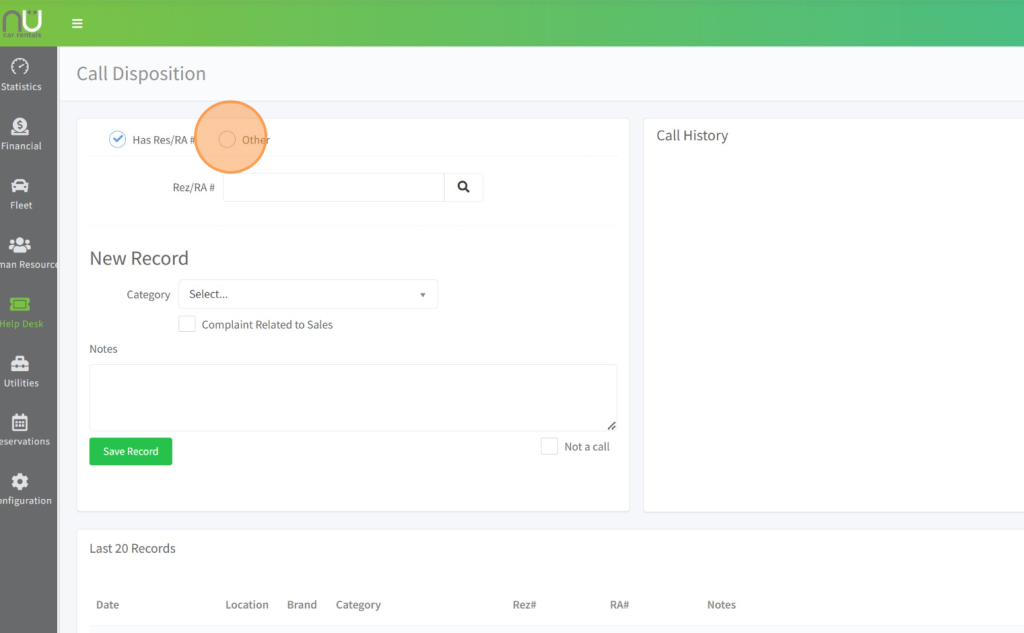
Step 3 – Click here if there is a NO Reservation # or RA # available.
If there is no Reservation or RA#, Click “other“. Ex. Third Party Website calls, NÜ Car, Ghost Calls etc.
Step 4
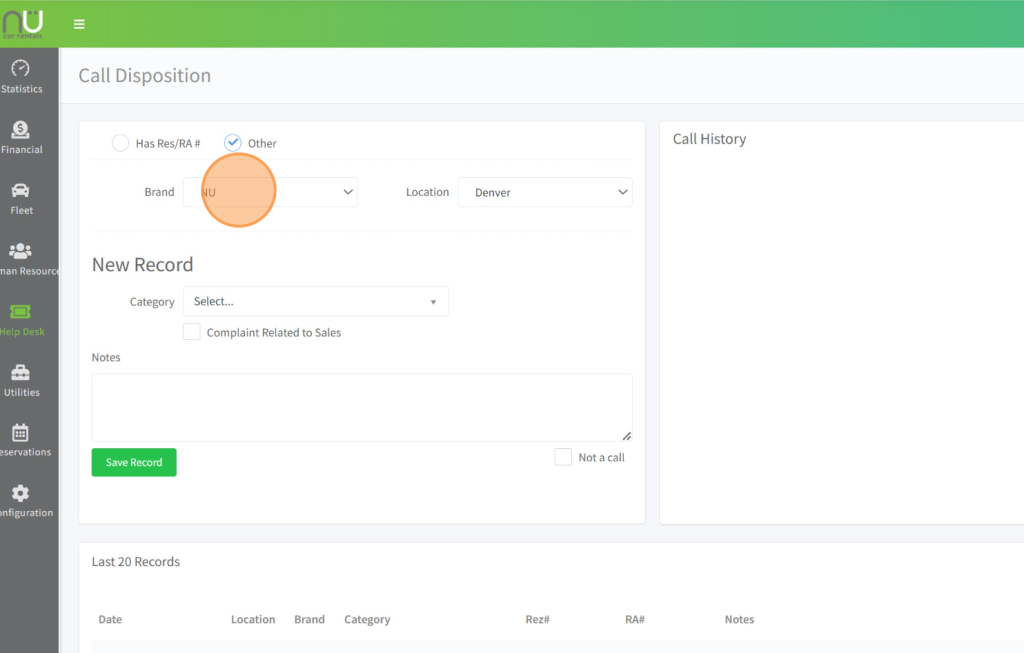
Click this dropdown to change the brand to determine if it’s for NÜ or DRIVE.
Step 5
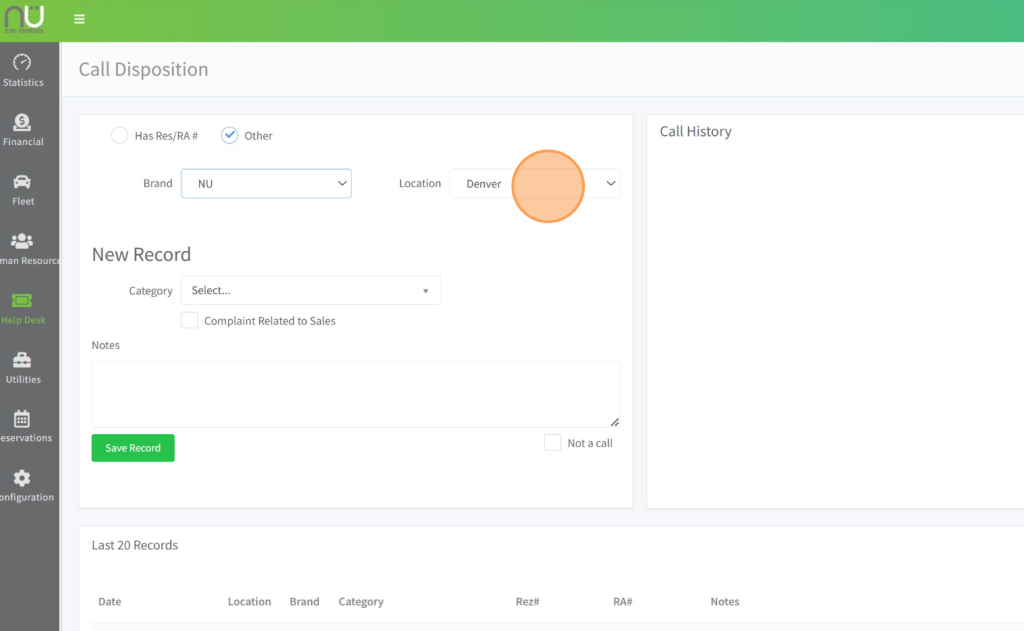
Click this dropdown to select the appropriate location.
Step 6
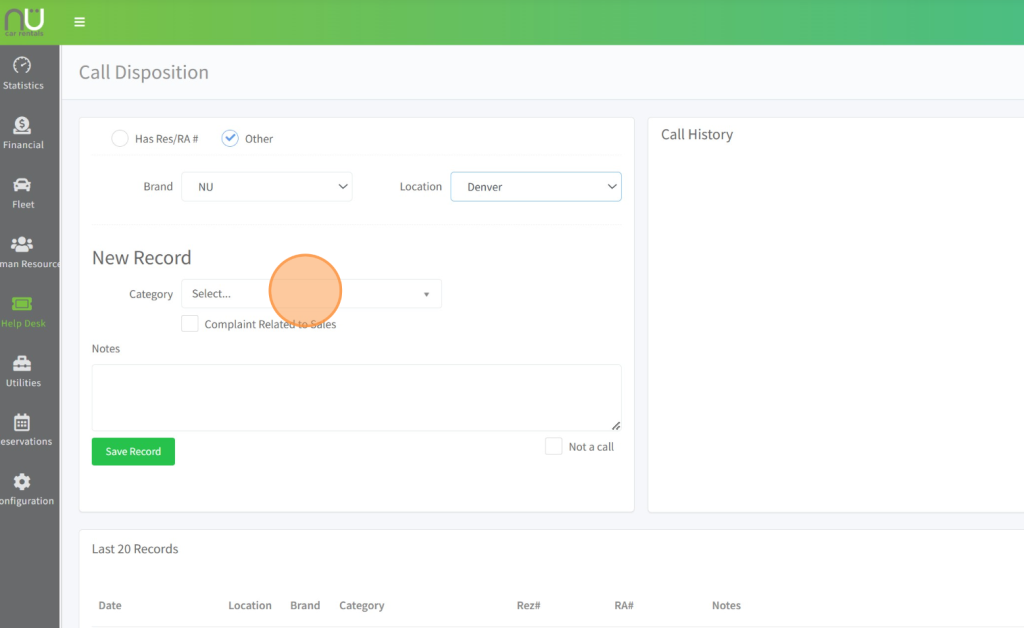
Click “Select” to choose the closest reason why the renter reached out.
Step 7
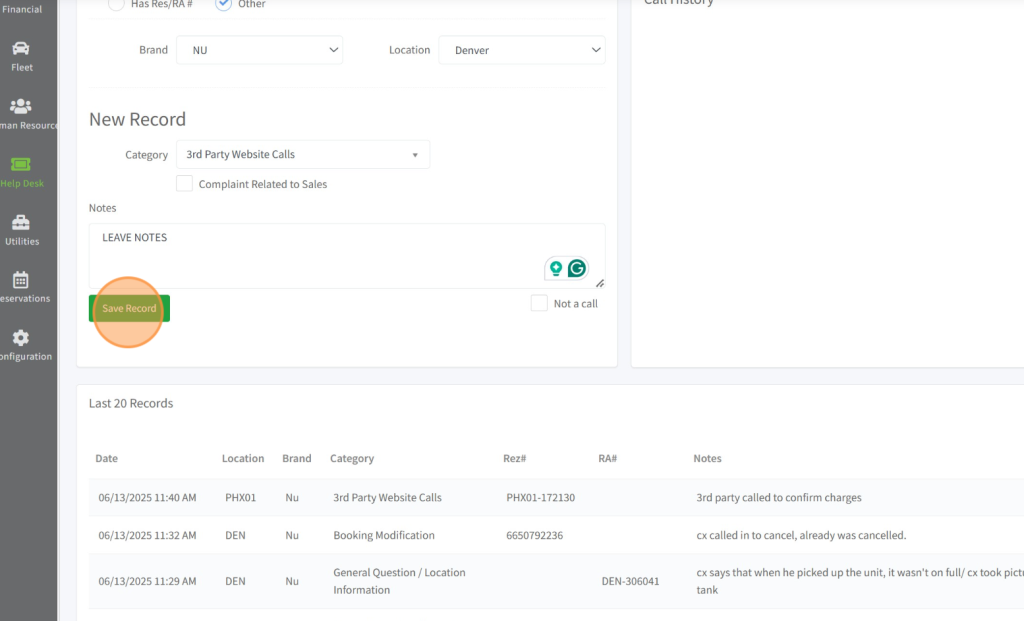
Leave your notes summarizing the issue and click “Save Record“.
Step 8
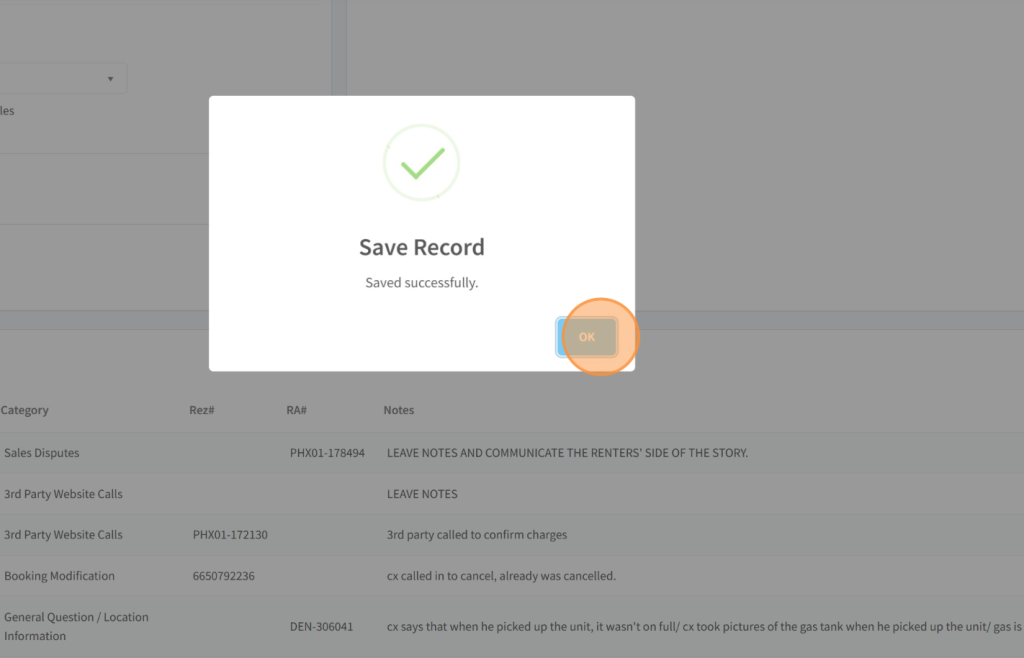
Click “OK” to exit.
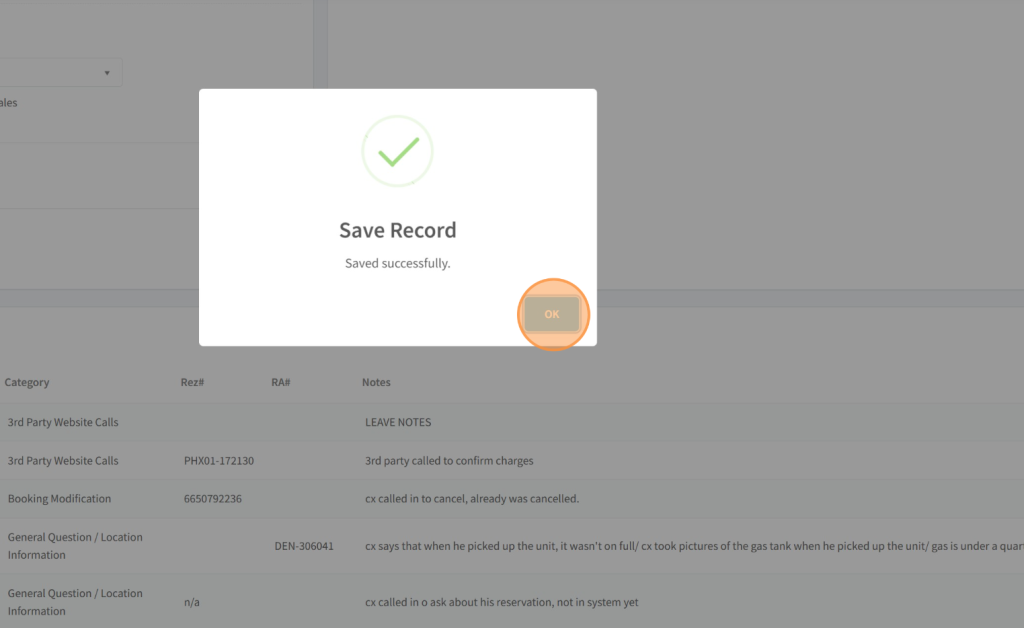
Step 9 – Click here if there is a Reservation # or RA # available.
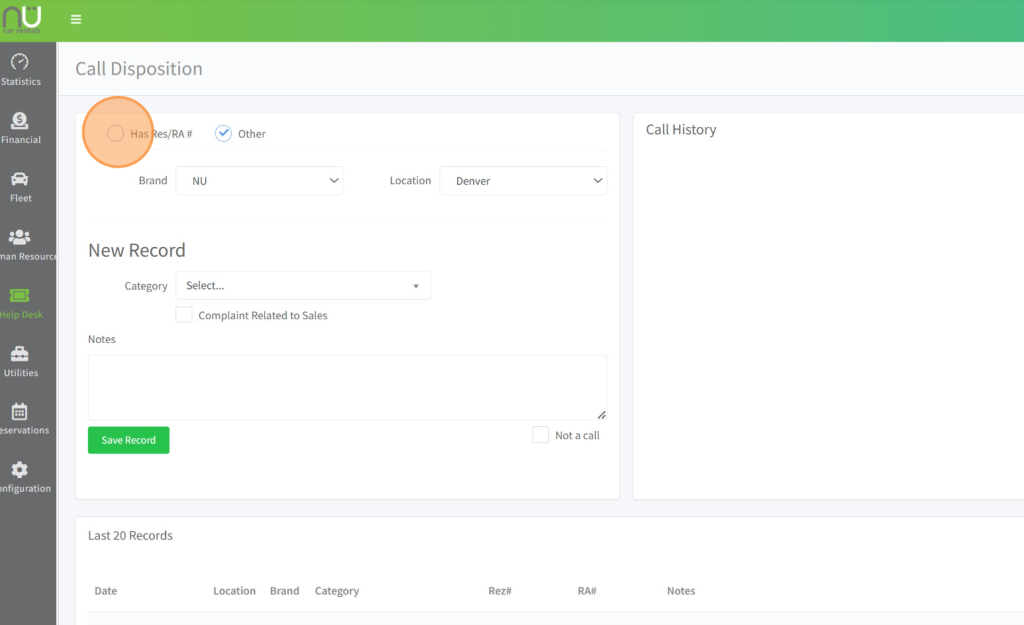
Step 10
Enter the RA# or Reservation# and click anywhere to load, or click the magnifying glass, or hit the Enter button to let it pull the records.
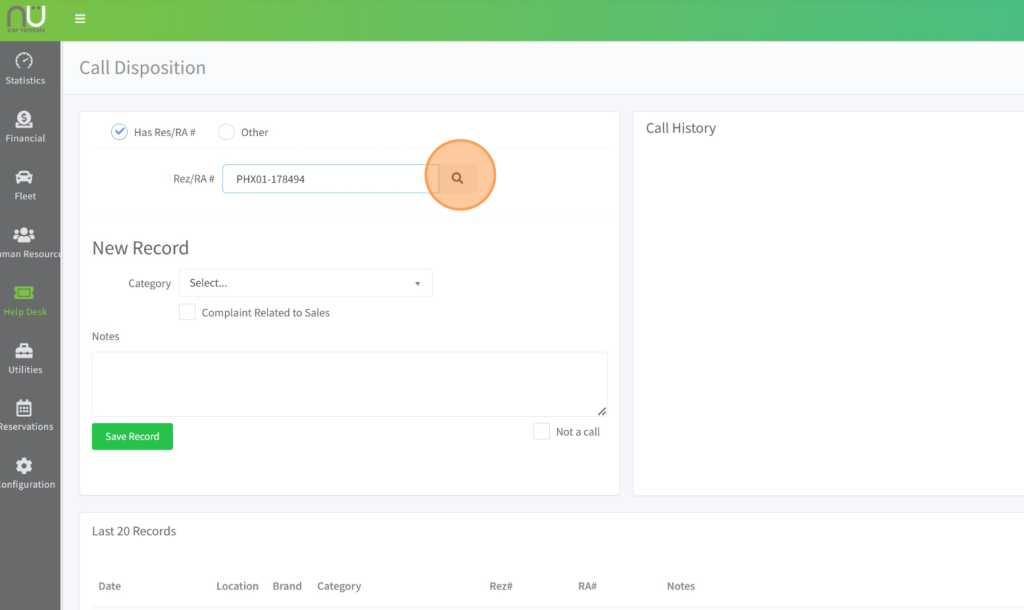
Step 11
Click “Select” to load the disposition categories, choose the closest reason as possible.
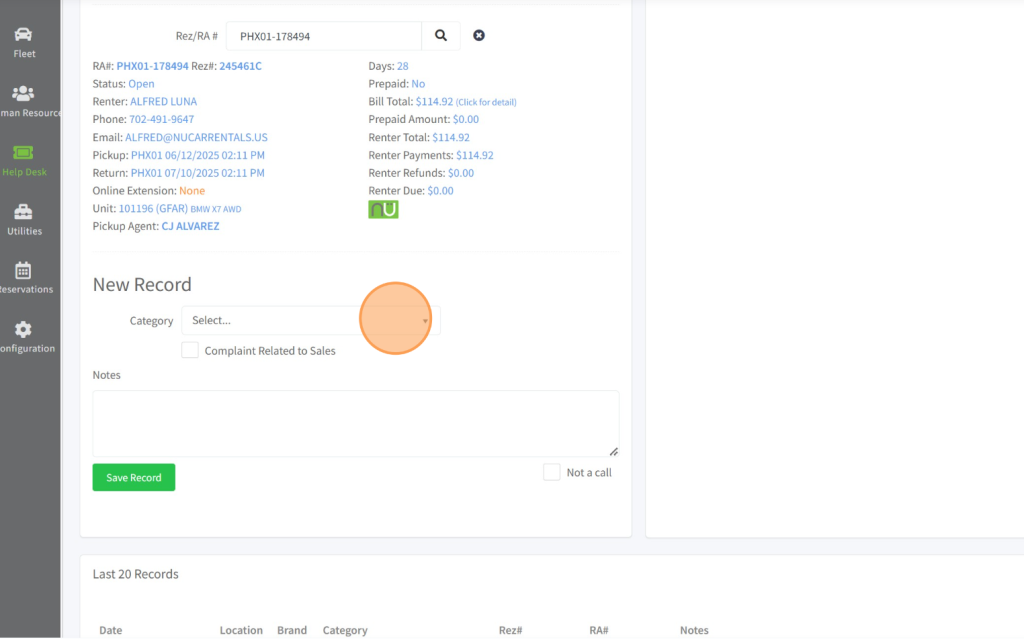
Step 12
Leave your notes for the next viewer to understand what transpired according to the Renter’s claim or copy and paste your detailed notes from TSD.
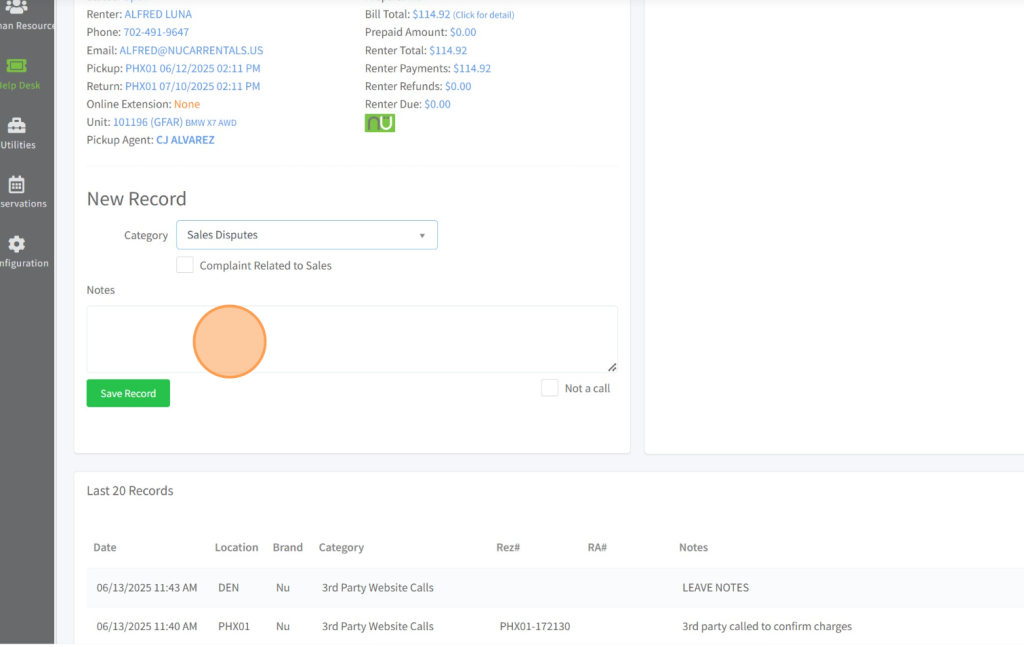
Step 13
IMPORTANT: Make sure to click the box that says “Complaint Related to Sales” if there is any sort of Sales Disputes, regardless if we told the renter that the charges stands, or if it needs to be escalated for further review.
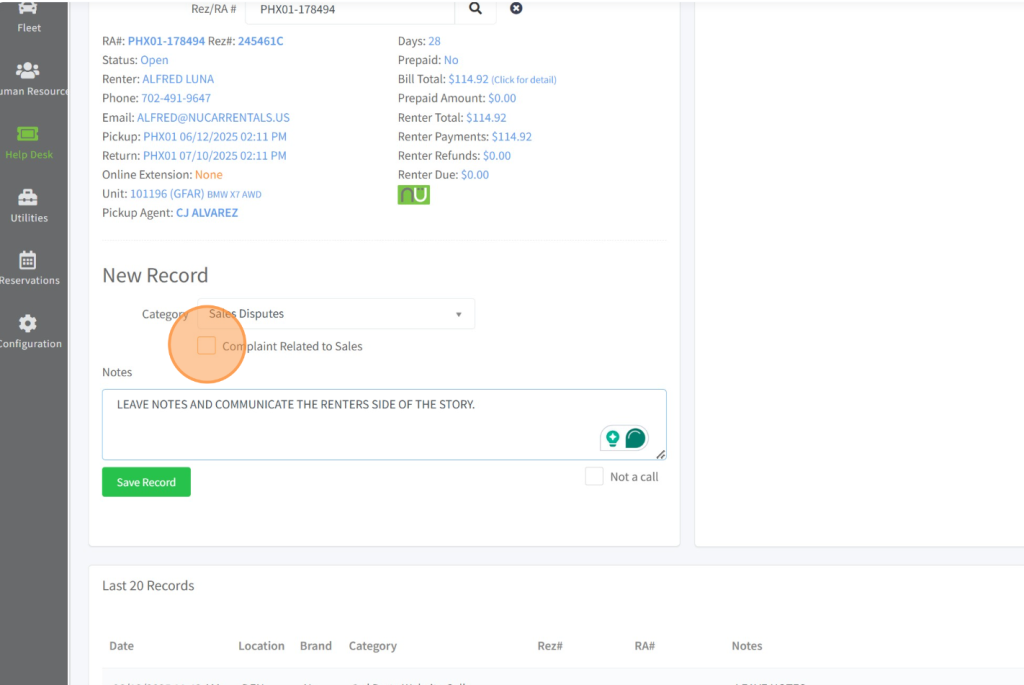
Step 14
Click “Save Record“
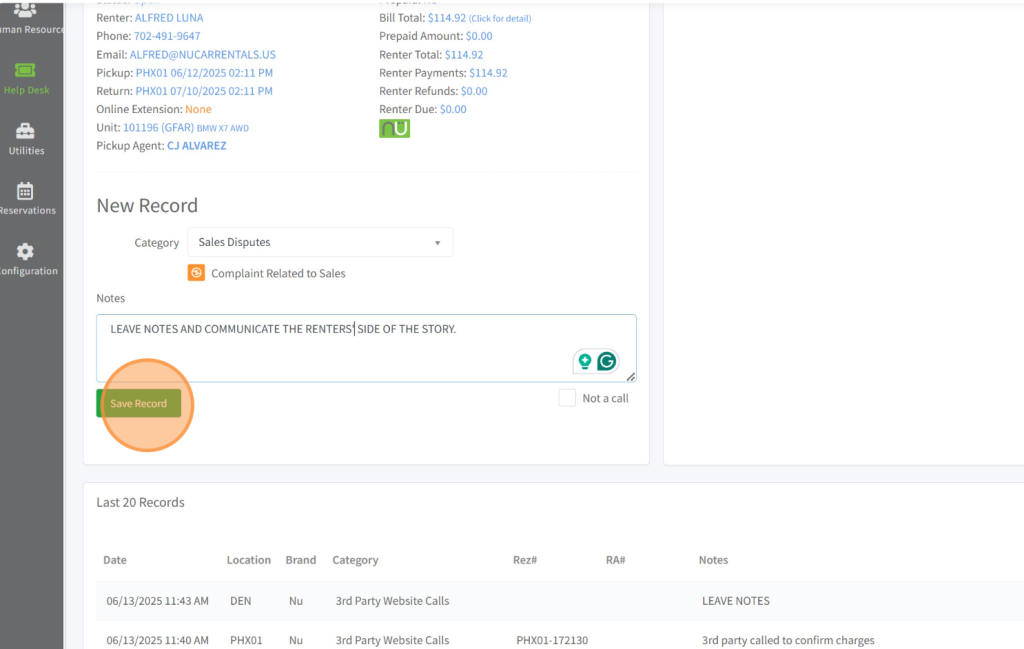
Step 15
Click “OK” to exit and make sure to log any complaints using the shared Google sheet “Complaint & Contract Log” so we can relay the issue to the locations at the start of each week.