NU Car Rentals Help Center
Generating a Reservation in Backoffice
This guide provides step-by-step instructions for generating a reservation in the Backoffice tool, making the process straightforward and efficient. By following the outlined steps, users can easily navigate the system to create reservations, ensuring they capture all necessary customer information and preferences. It is especially useful for those who are new to the platform or need a quick reference for reservation management. Overall, viewing this guide can streamline your reservation processes and enhance customer service.
Open The BackOffice Tool
https://backoffice.nucarrentals.us
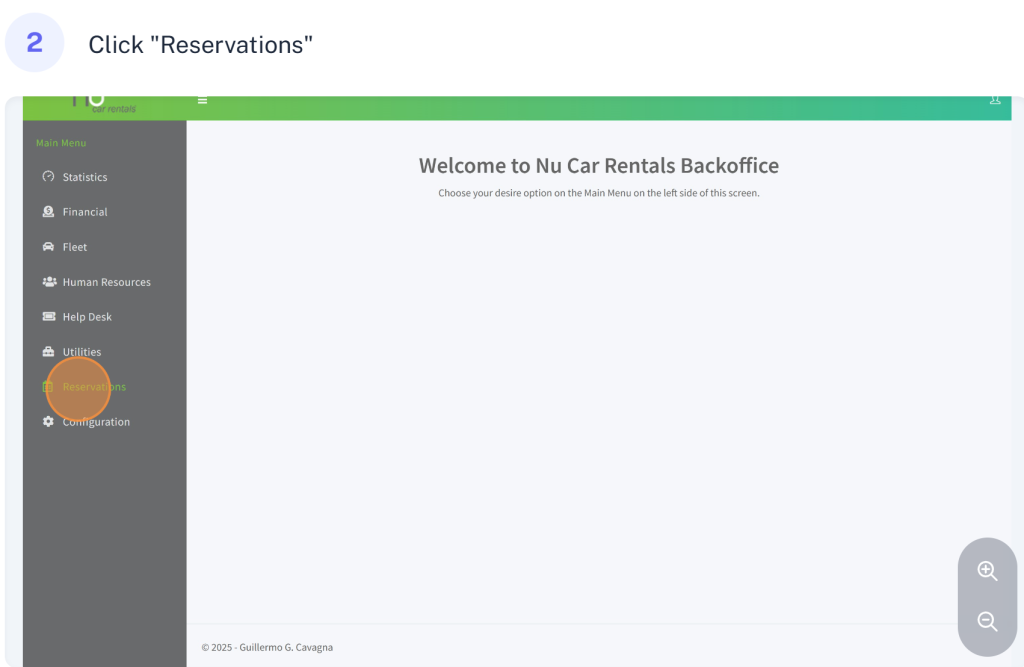
Step 2
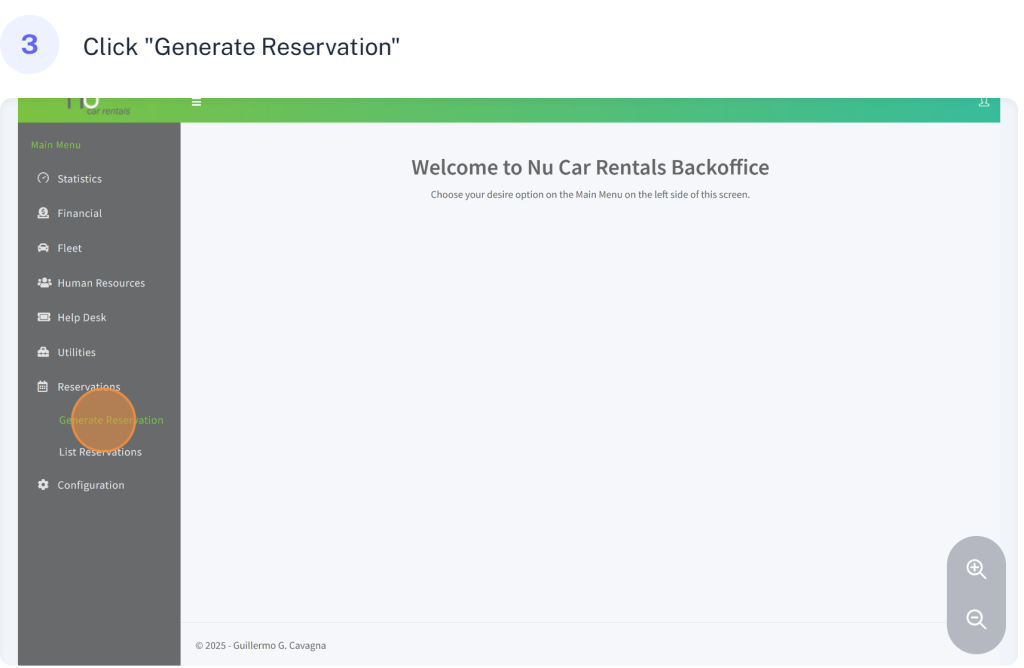
Step 3
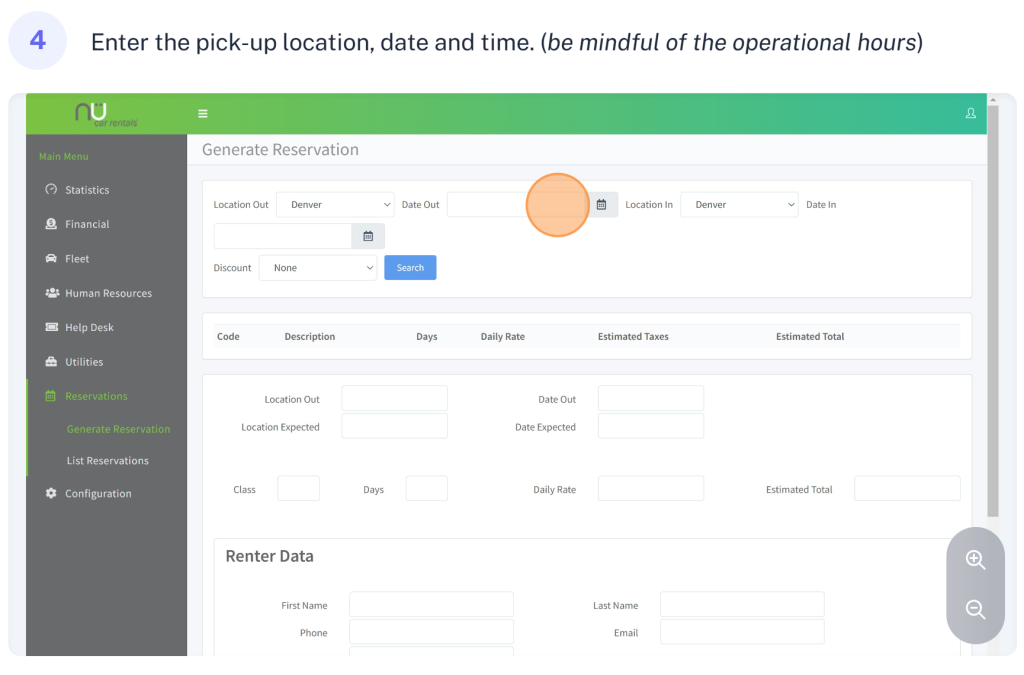
Step 4
Step 5
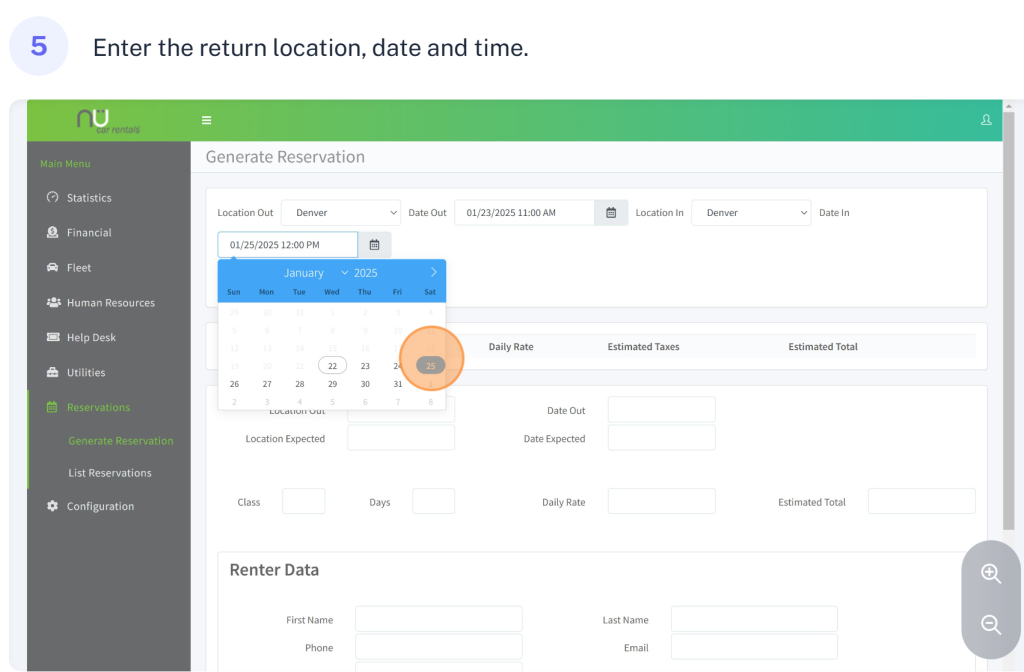
Step 6
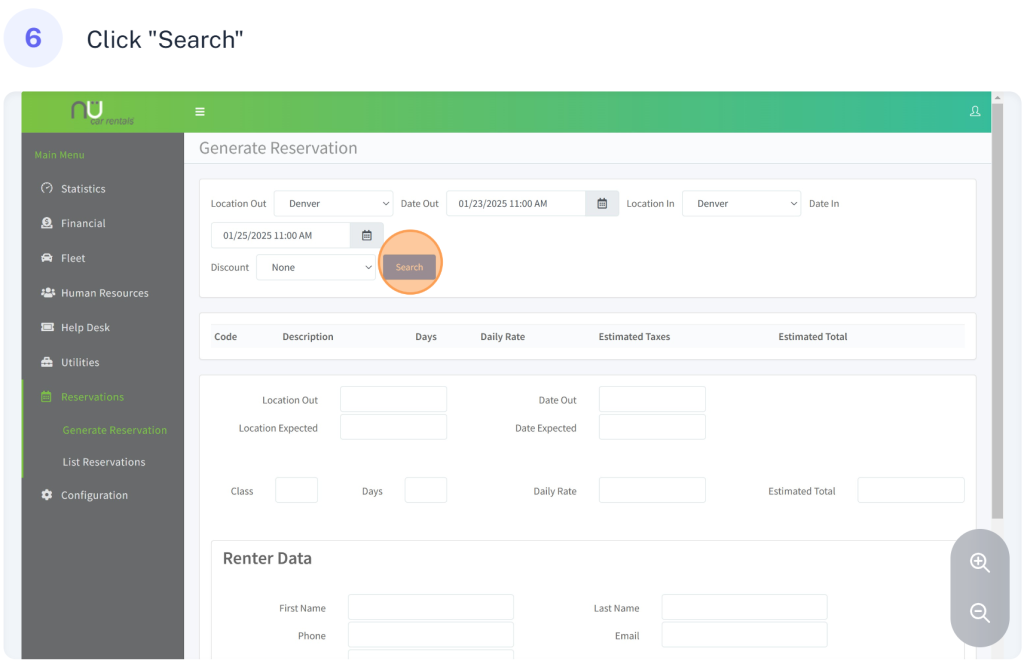
Step 7
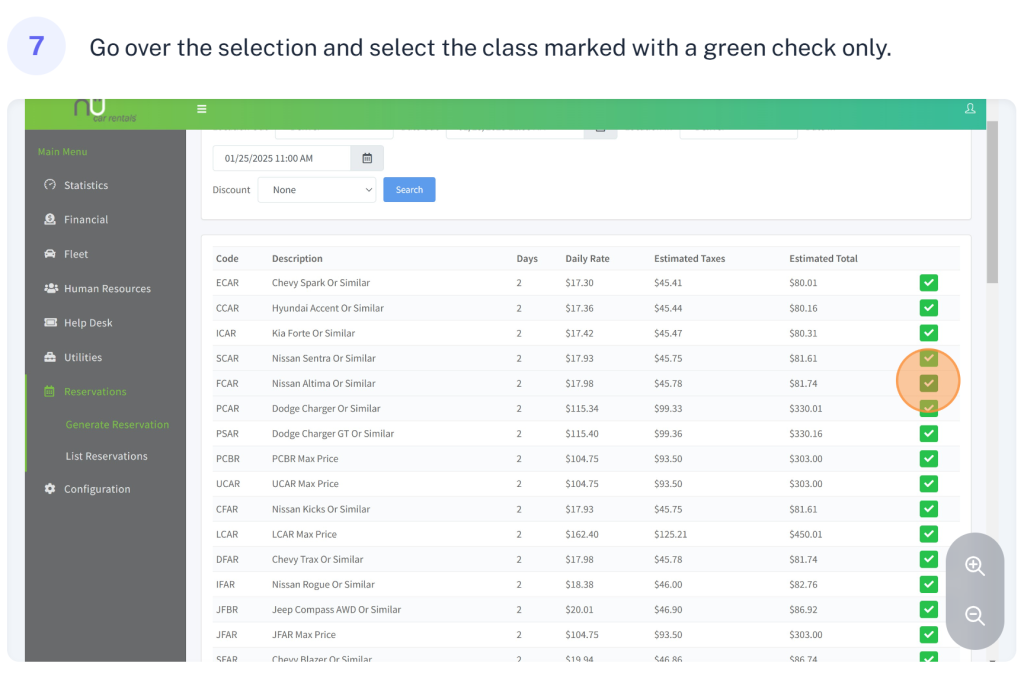
Step 8
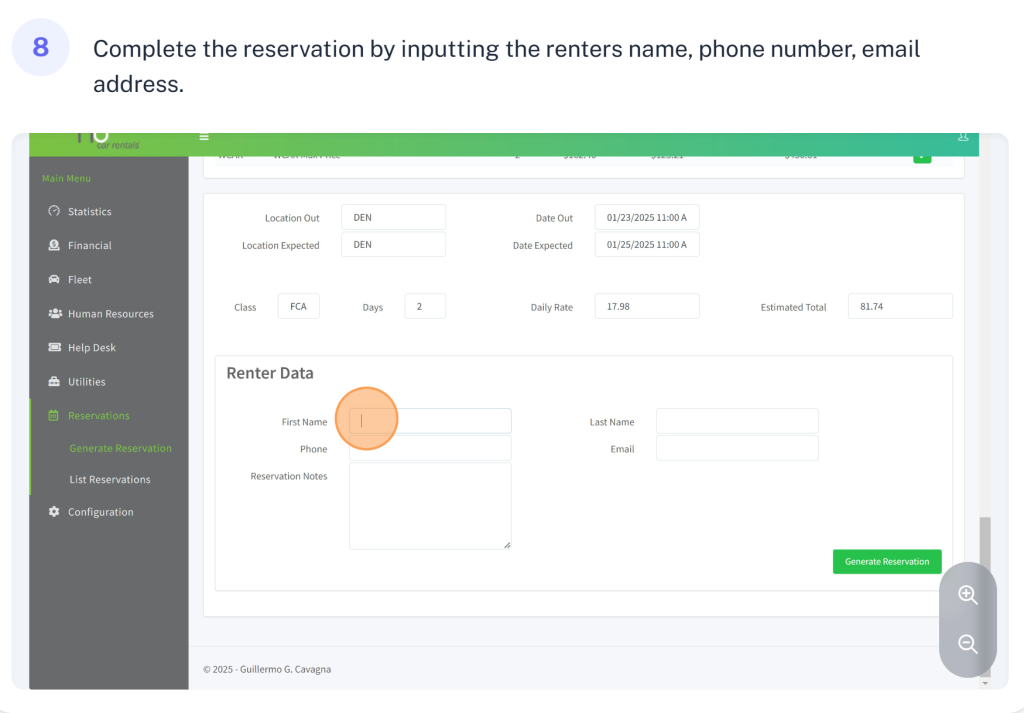
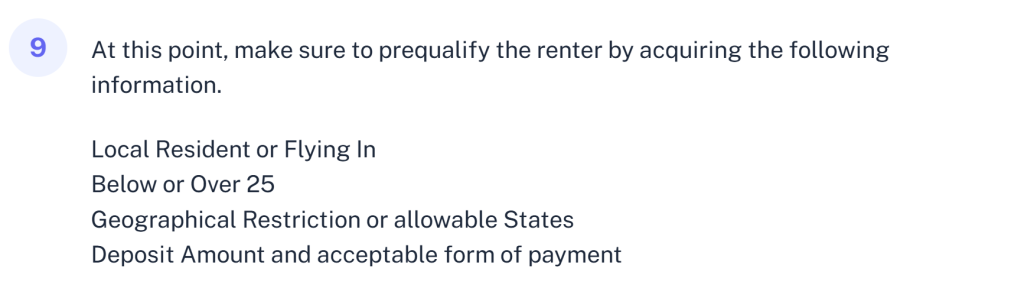
Step 9 – Prequalify
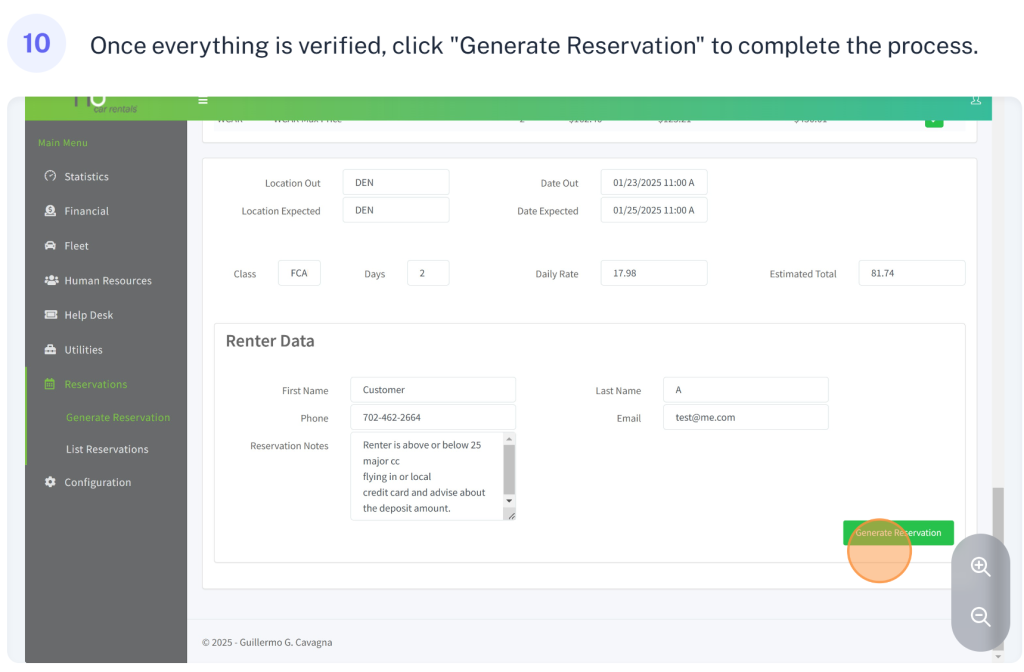
Step 10